
Essentials of Cybersecurity Practices
Meta Tech Provider

Blog

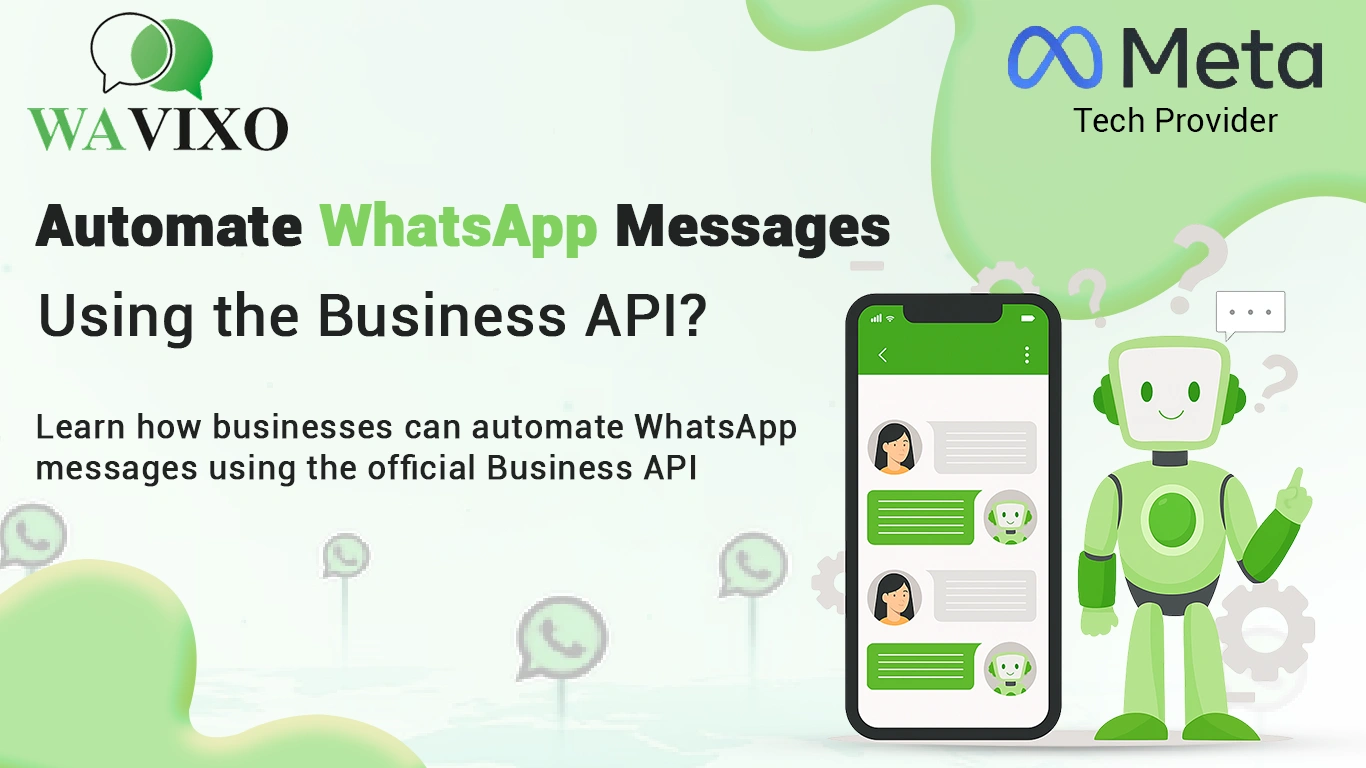
How to Automate WhatsApp Messages Using the Business API?
Learn how businesses automate WhatsApp messages using the official Business API—send instant replies, reminders, order notifications, and personalized workflows effortlessly. Discover setup steps, benefits, and best practices to maximize engagement and conversions.
Contents
- 1. What Is WhatsApp Business API Automation?
- 2. Why Businesses Need WhatsApp Message Automation
- 3. Steps to Set Up WhatsApp Automation Using the API
- 4. Best Use Cases for WhatsApp Automated Messaging
- 5. Tips to Scale & Optimize Your WhatsApp Automation
- 6. Conclusion
1. What Is WhatsApp Business API Automation?
WhatsApp Business API automation enables businesses to send automated messages such as order confirmations, shipping updates, reminders, support replies, and marketing broadcasts — all without manual effort. Unlike the WhatsApp Business App, the API is designed for scaling communication and integrating automated workflows.
2. Why Businesses Need WhatsApp Message Automation
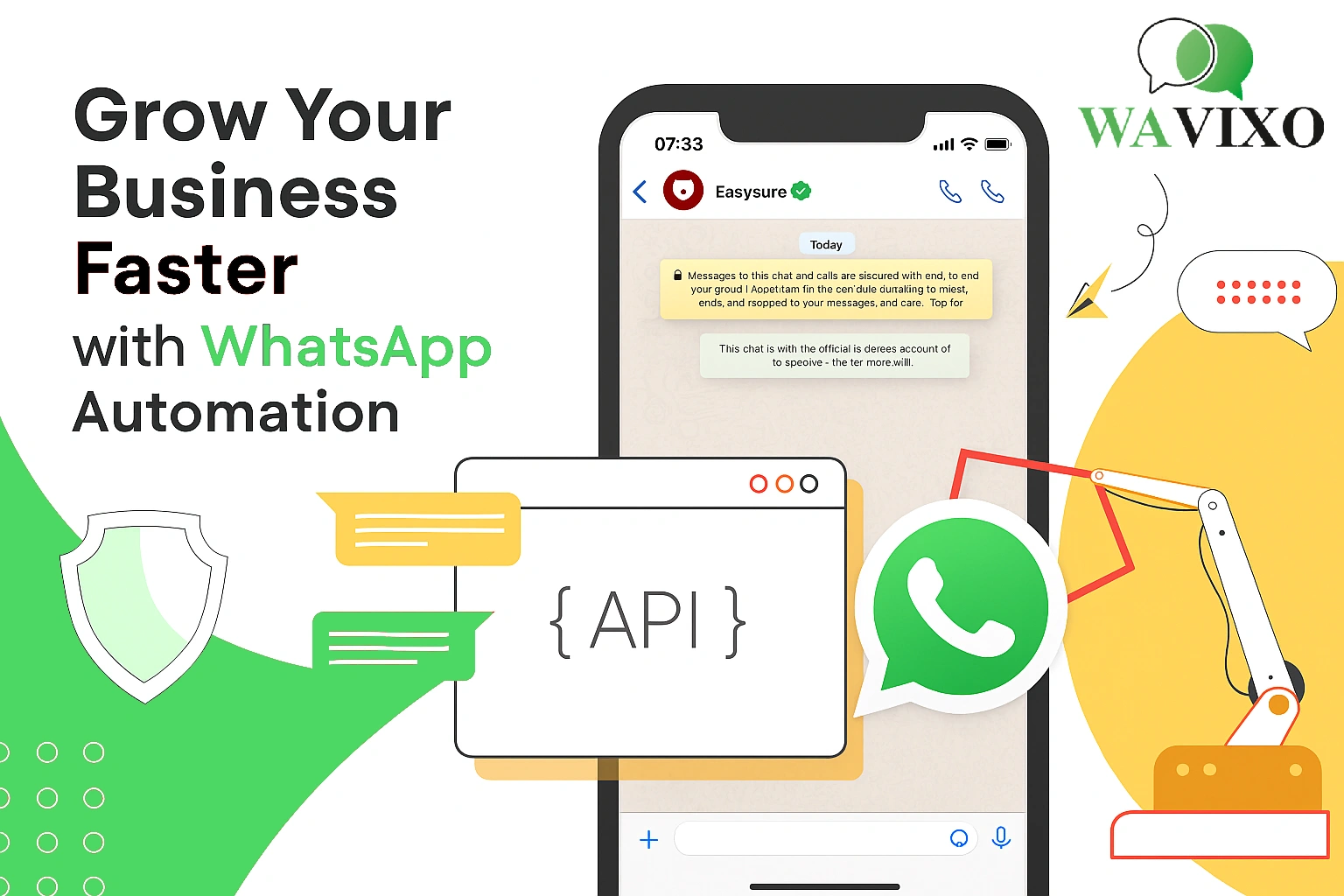
Customers expect fast responses, and WhatsApp automation solves this by offering instant communication, reducing manual workload, and improving customer satisfaction. Businesses also use automation to streamline lead qualification, support queries, and post-purchase engagement.
- Faster customer responses
- Automated FAQs
- 24/7 availability
- Improved order & delivery updates
- Less manual workload for teams
3. Steps to Set Up WhatsApp Automation Using the API
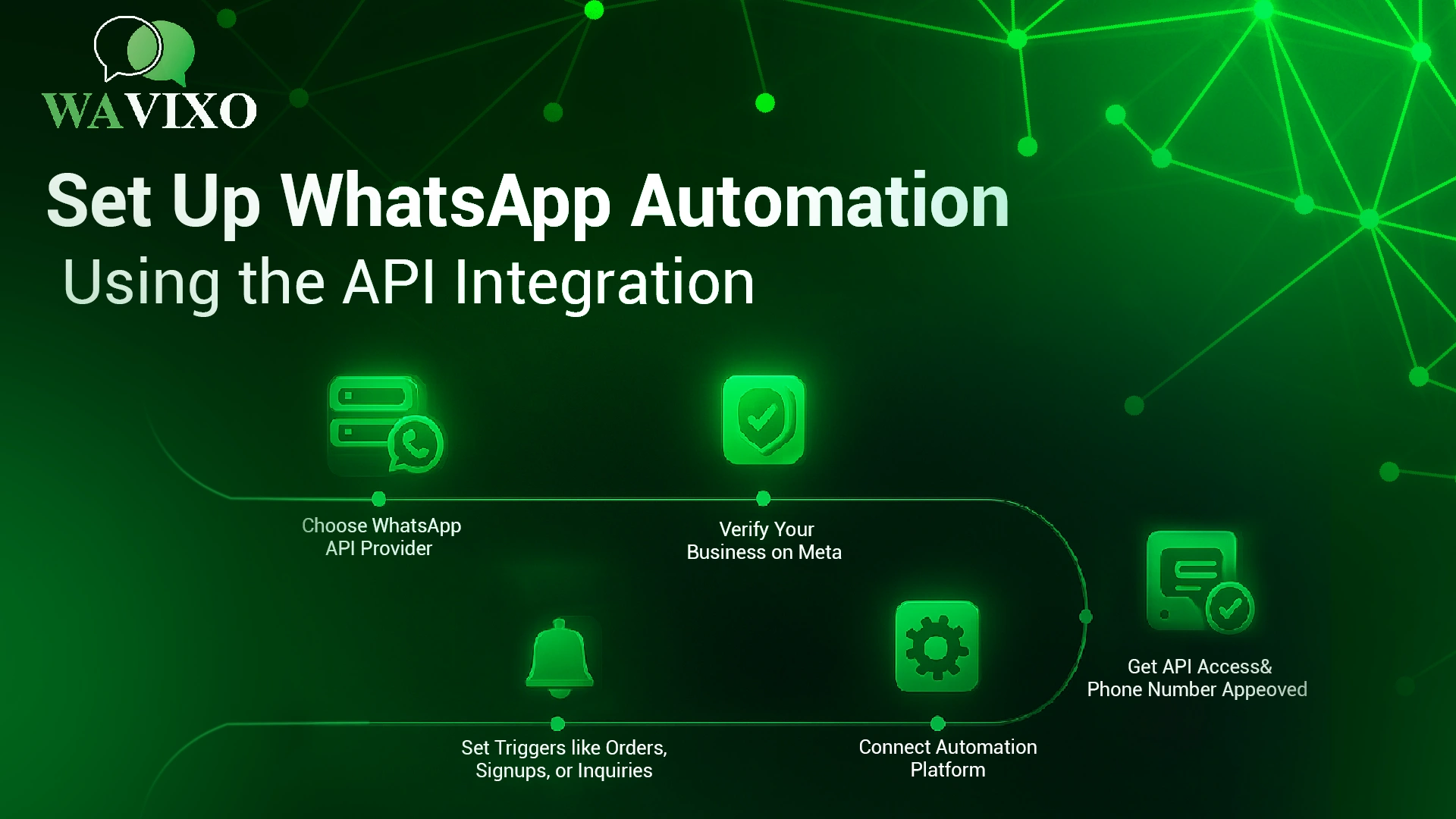
Setting up WhatsApp message automation involves connecting your verified business number to a WhatsApp API provider and configuring automation workflows. Here are the essential setup steps:
- Step 1: Choose a WhatsApp Business API provider like Wavixo
- Step 2: Verify your WhatsApp Business number
- Step 3: Create templates for automated messages
- Step 4: Build chatbot flows or automated triggers
- Step 5: Launch automation and track performance
4. Best Use Cases for WhatsApp Automated Messaging
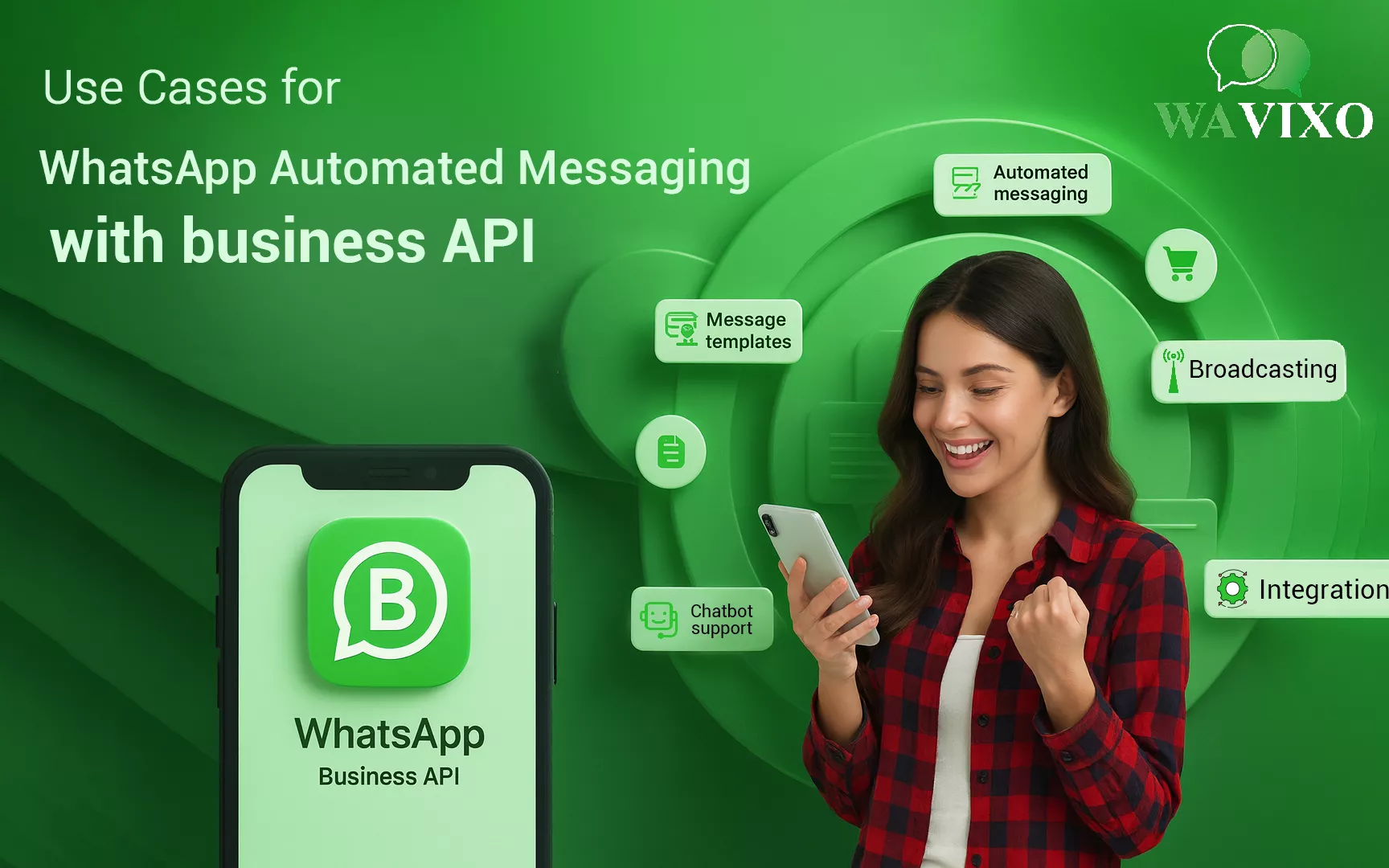
WhatsApp automation works across multiple industries and business types. Some of the highest-impact use cases include:
- Lead generation & qualification
- Customer support automation
- Order & delivery notifications
- Appointment reminders
- Abandoned cart recovery
5. Tips to Scale & Optimize Your WhatsApp Automation

To get the most out of your WhatsApp automation setup, businesses should adopt optimization strategies that improve engagement and reduce costs.
- Use personalization for higher engagement
- Keep messages concise and value-driven
- Automate follow-ups for better conversions
- Track customer interactions and analytics
- Test and optimize message templates frequently
6. Conclusion
WhatsApp automation using the Business API enables businesses to scale communication effortlessly. From instant replies to powerful chatbot workflows, automation saves time, reduces support load, and boosts conversions across industries. With the right setup and optimization, businesses can create seamless customer experiences that drive growth.