

Contact Us
-
Address: B-26, B Block, Sector 2, Noida, Uttar Pradesh 201301
-
Email: Contact@wavixo.io
-
Call: +91 9625655385

WhatsApp Broadcast

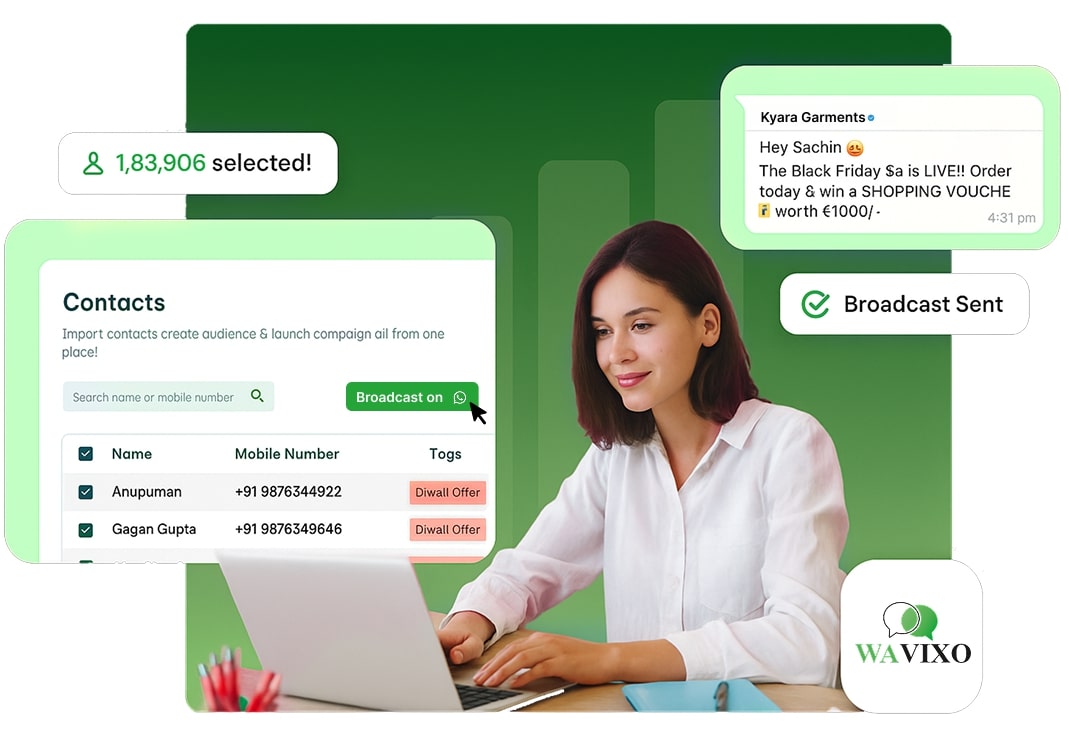
Send WhatsApp Broadcast (Officially)
via WhatsApp Business API
Broadcast WhatsApp messages to unlimited users in one go!
Broadcast product releases, newsletters, promotional offers - without the risk of getting blocked!
⚡️Powered by Official WhatsApp Business API


Why WhatsApp ?
Reimagining Business
Communication
Because your customers already live on WhatsApp
why not sell, support, and grow right where they are?


Open Rates
Engagement Rate
Active Users
Click Rates
WhatsApp Broadcasting: Key Features
With WAvixo's WhatsApp Broadcast, you achieve efficiency, engagement, and exceptional results for your campaigns.
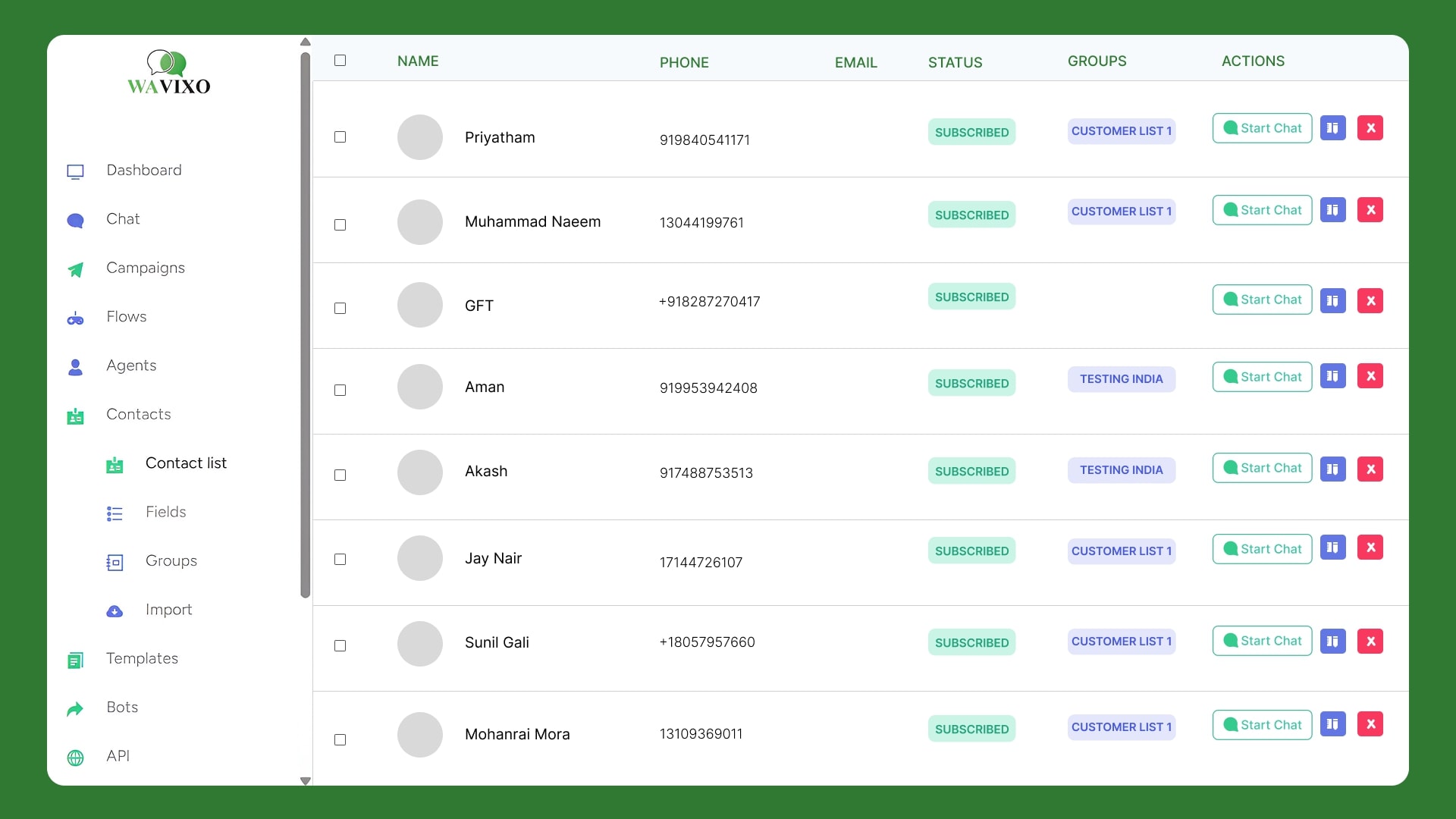
Unlimited Contacts
Import unlimited contacts from your CRM and start broadcasting instantly.
Pre-Approved Message Templates
Create, manage, and use WhatsApp-approved templates for campaigns & automation.
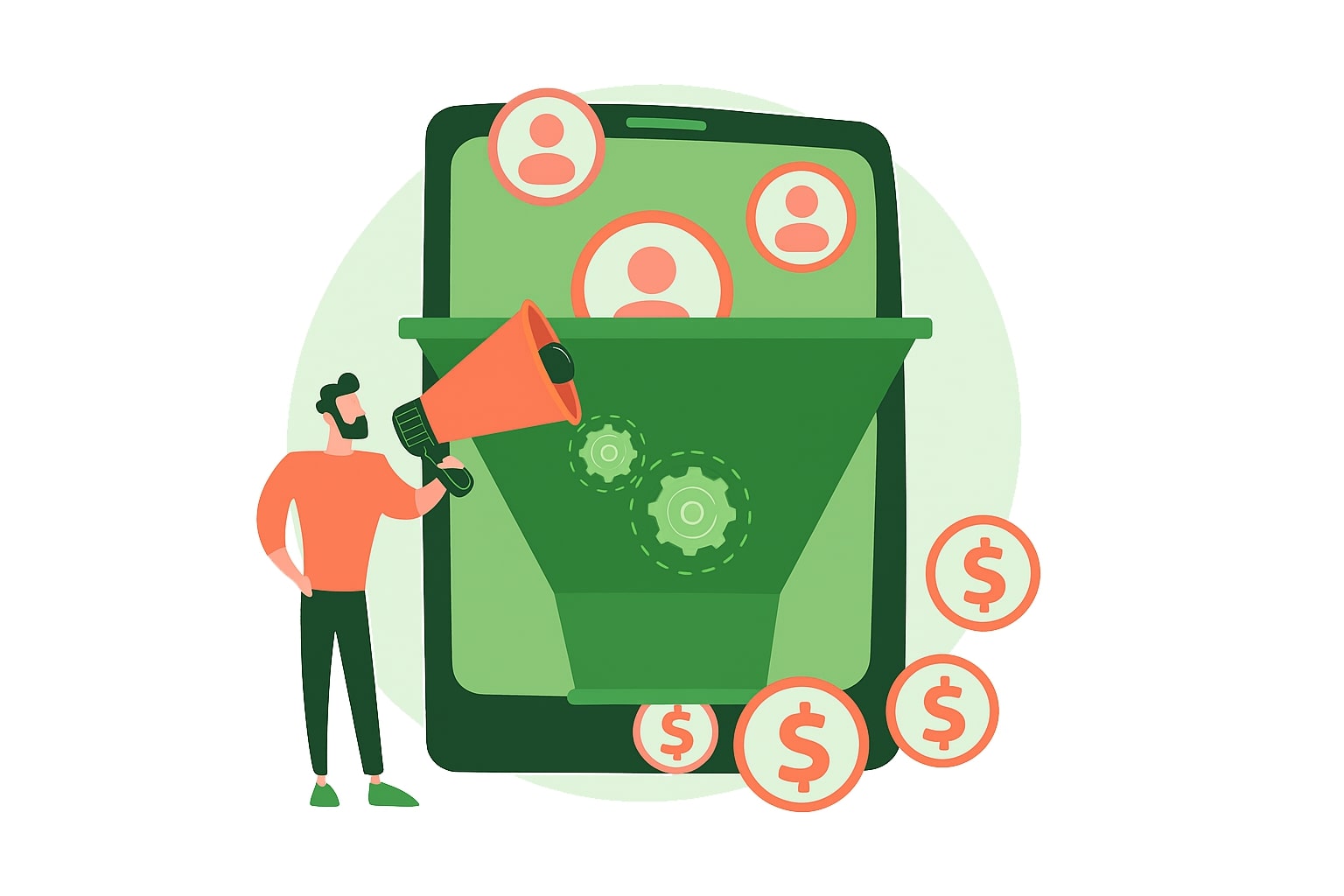
Advanced Audience Segmentation
Target users based on behavior, preferences, interests, and engagement history.

Message Personalization
Send personalized WhatsApp messages using dynamic variables for higher conversions.
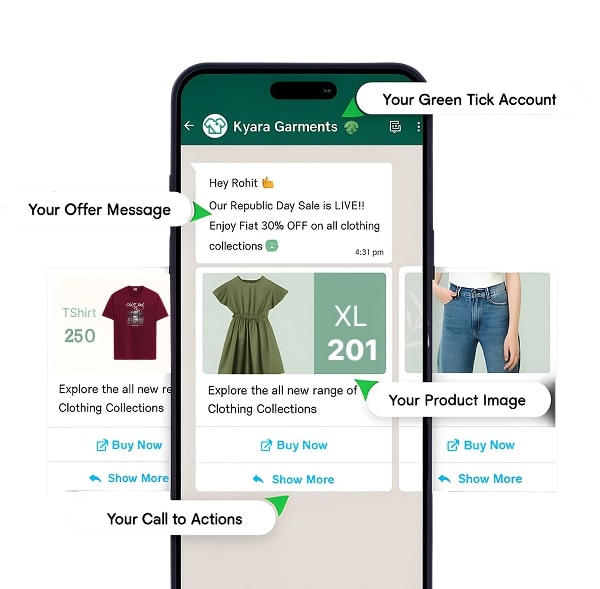
Carousel Cards & Interactive Buttons
Create rich, interactive WhatsApp messages that boost engagement.
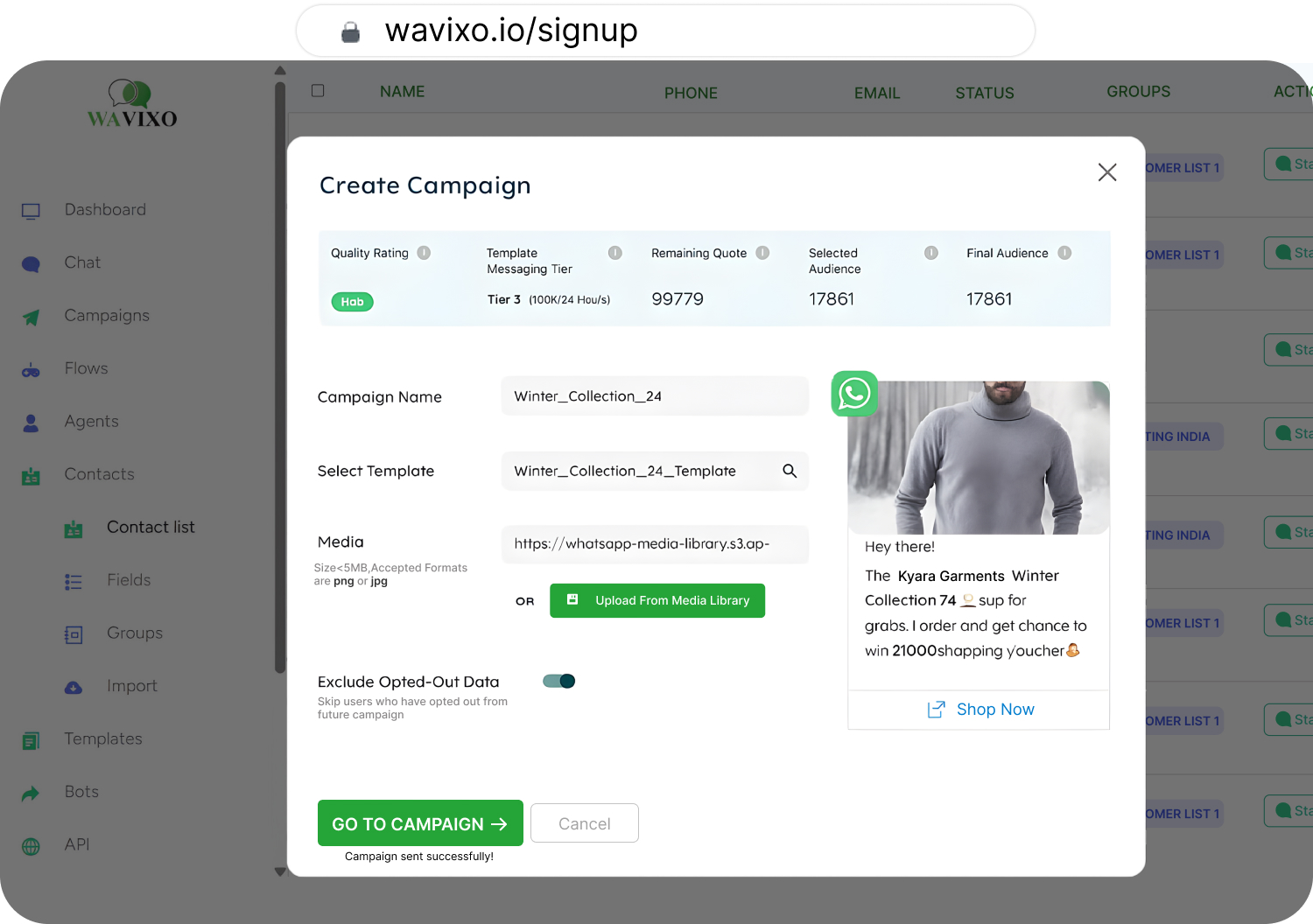
Campaign Scheduling
Schedule broadcasts for later and automate messaging for efficiency.
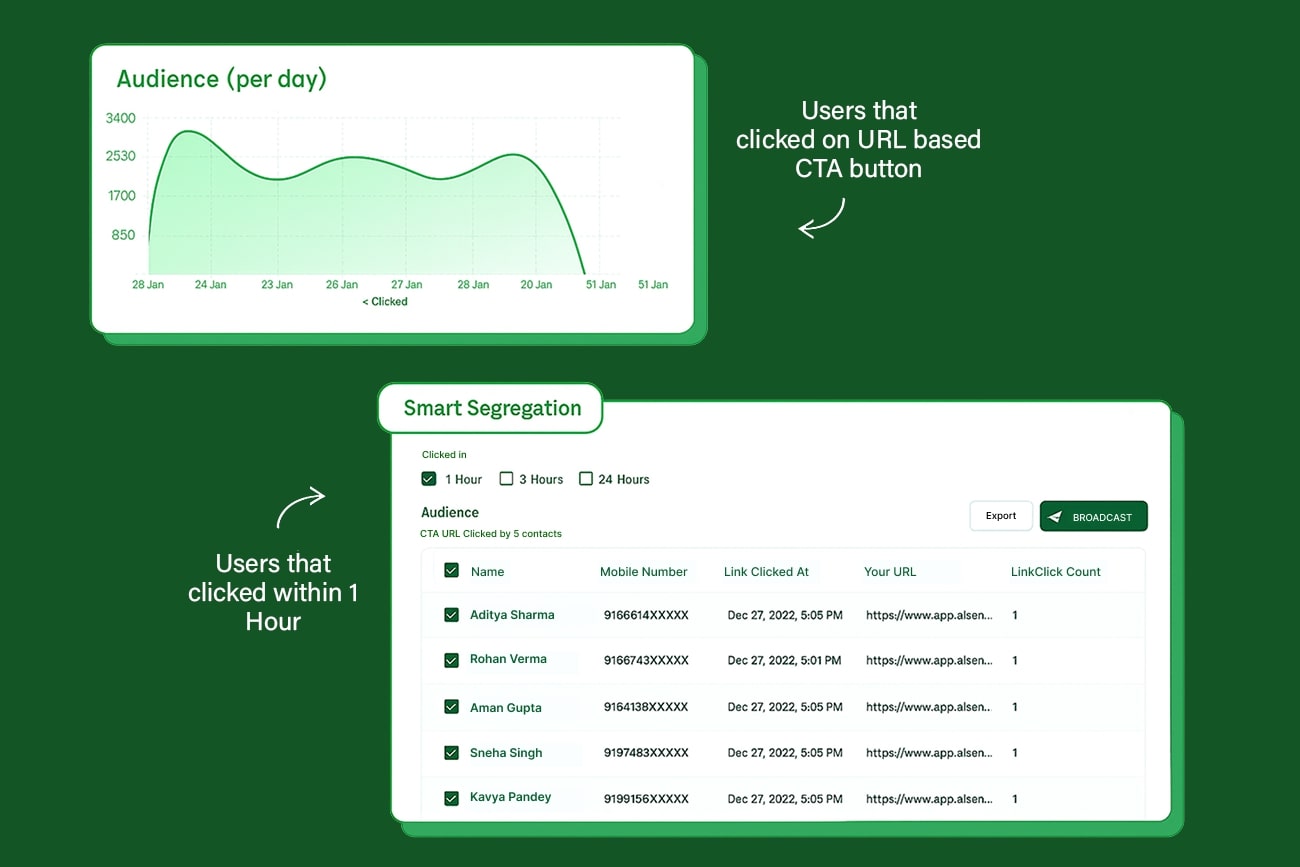
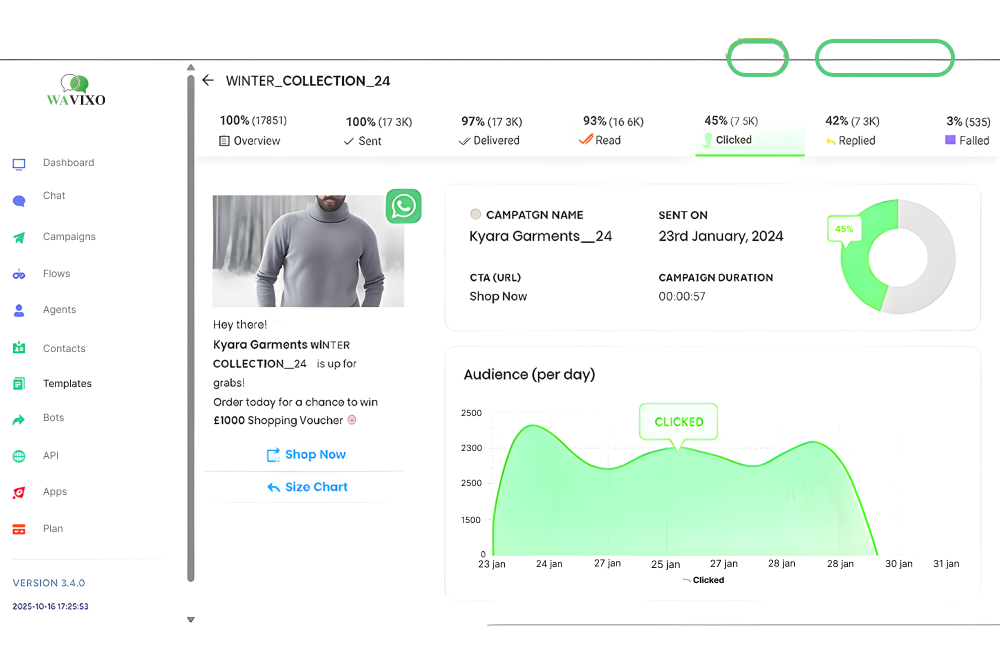
Real-Time Analytics
Track clicks, views, delivery rates, and user performance.

Retargeting Campaigns
Retarget high-intent users with automated follow-ups for 2× conversions.
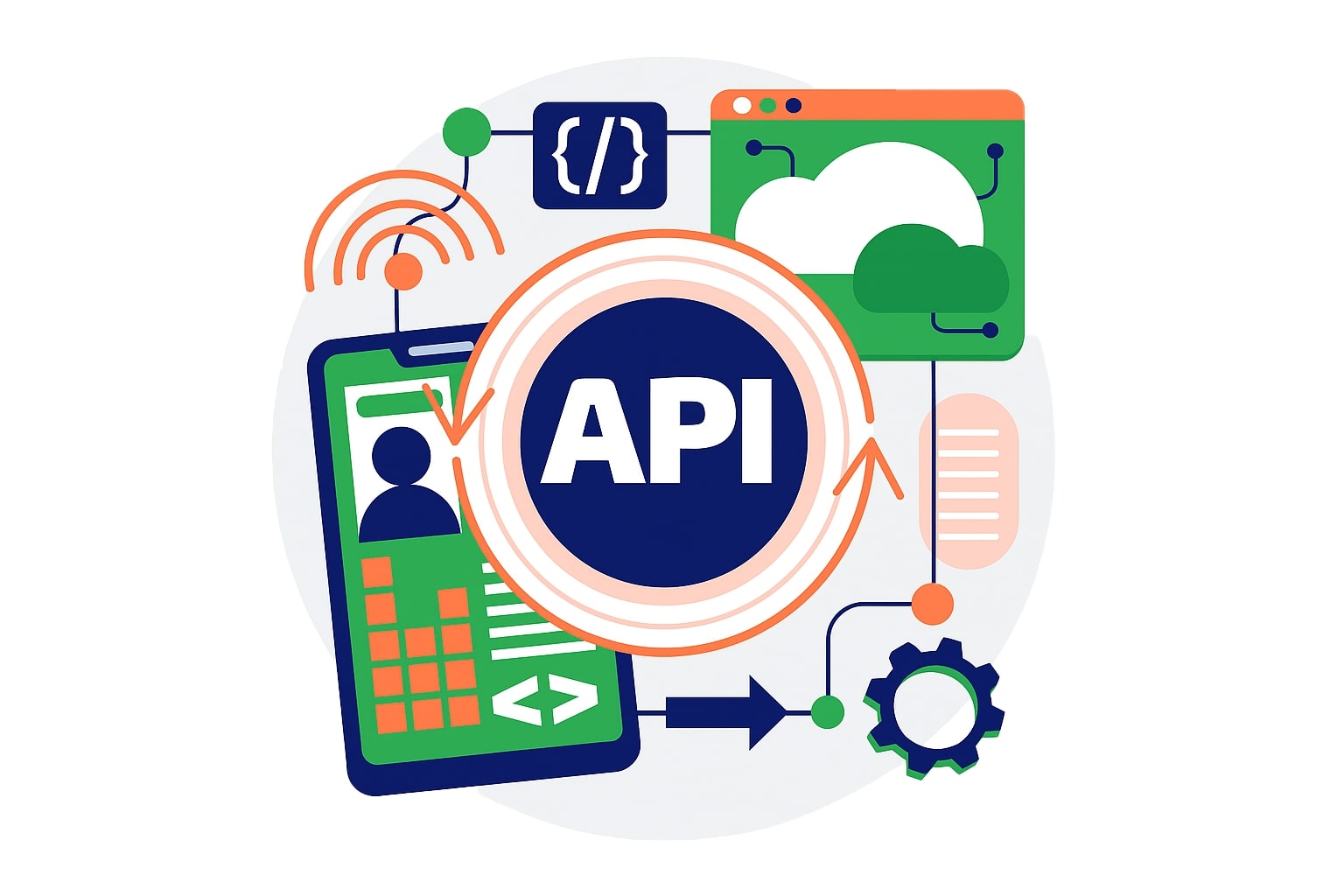
Complete Automation & Integration
Integrate APIs, CRMs, and tools to build powerful workflows.
Trusted by 50+ early adopters — and growing every month.






Let’s take you through a Power Packed Demo
See how Wavixo’s platform can help your business grow 3x in this product walkthrough video!
How to Broadcast Messages with WAvixo
Follow these simple steps to send a WhatsApp Broadcast using WAvixo and maximize your reach:
#1 Import Your Contacts
• Access the "Contacts" section in the WAvixo app.
• Upload a list of opted-in contacts in CSV format or sync directly from your integrated tools.
• Use tags and attributes to organize your audience for targeted broadcasts.

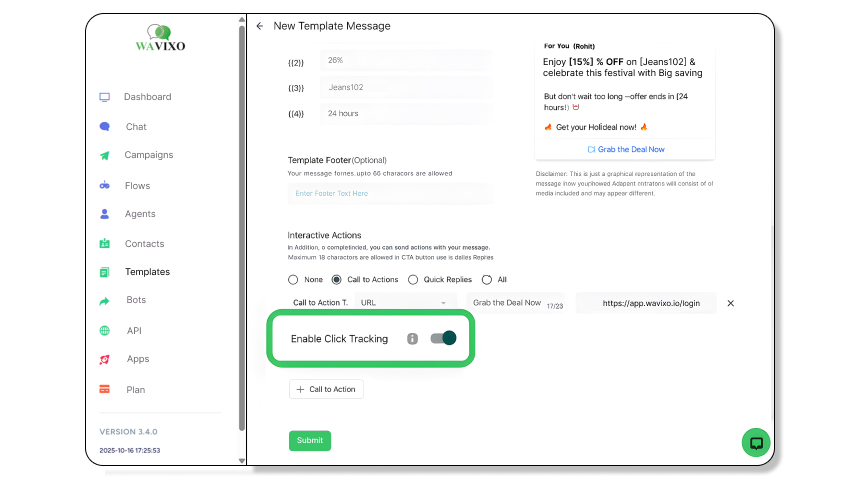
#2 Create Your Campaign
• Go to the "Broadcast" tab and click "Create Campaign."
• Select a pre-approved WhatsApp message template or create a new one for approval.
• Personalize the message by adding variables like user names or custom fields to make it more engaging.
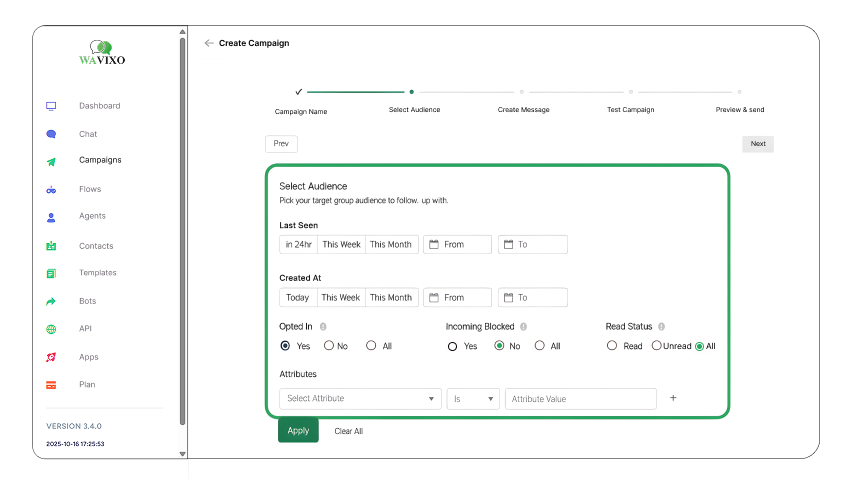
#3 Segment Your Audience
• Filter your contacts by tags, attributes, or past interactions (e.g., read, replied, or clicked users).
• Select the most relevant audience to receive your broadcast.
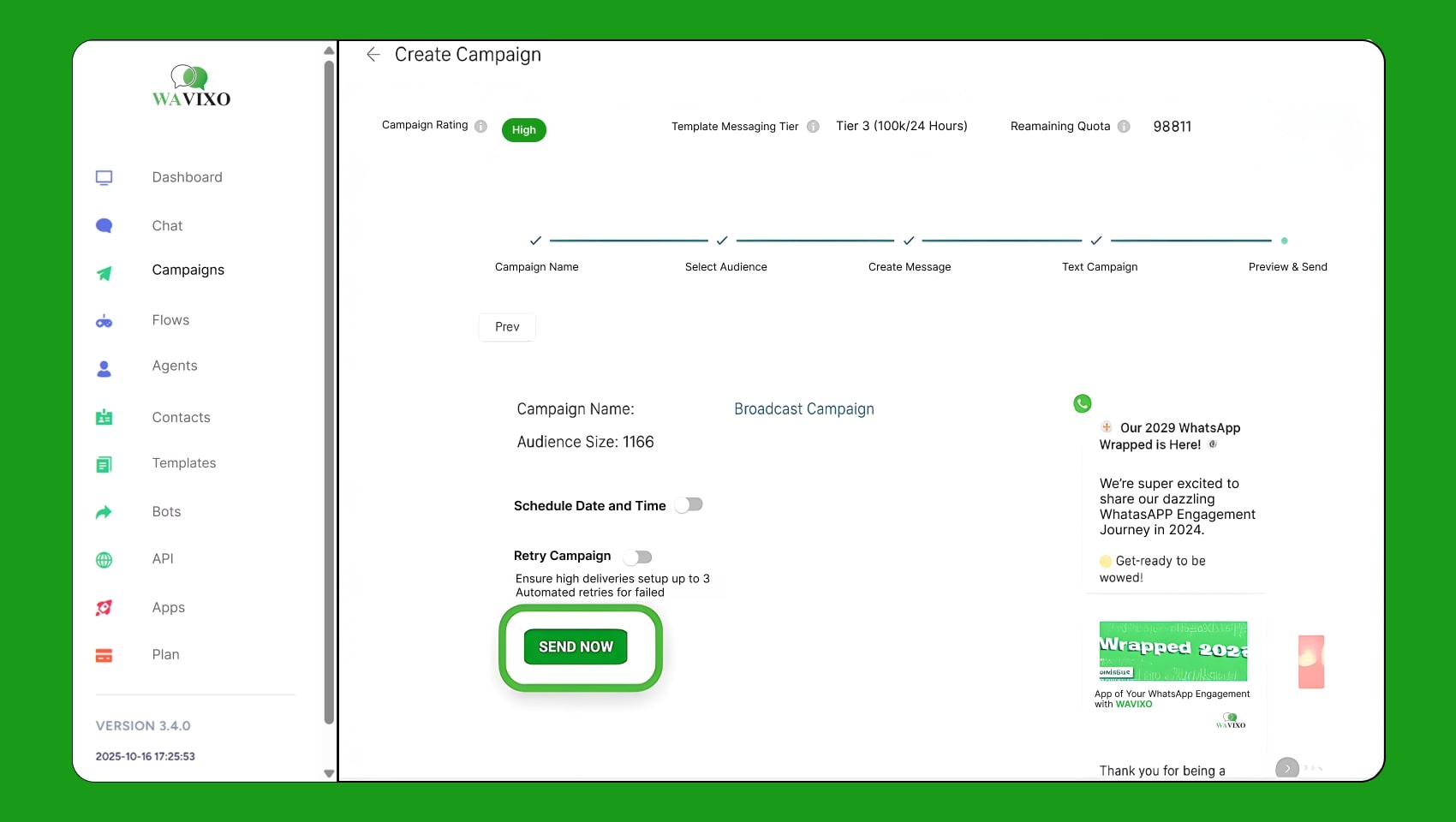
#4 Schedule or Send Your Broadcast
• Choose between sending your broadcast immediately or scheduling it for a later time.
• Leverage WAvixo scheduling feature to plan messages up to 2 months in advance for optimal timing.
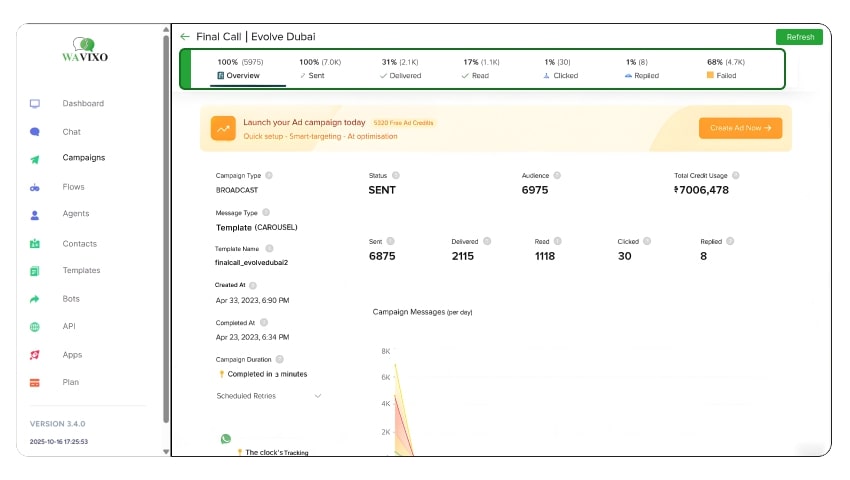
#5 Monitor Performance
• Go to the "Campaigns" page to track your broadcast’s performance in real time.
• Analyze key metrics such as delivery rates, read rates, replies, and clicks.
• Use this data to refine your strategy and improve future campaigns..
Everything You Need
for WhatsApp Engagement
Multiple Human Live Chat
Allow multiple support agents to chat with users simultaneously for seamless customer service.
Learn MoreChatbot Flow Builder
Create interactive conversation flows with no-code WhatsApp chatbot builder for lead generation and automation.
Learn MoreRe-target Users on WhatsApp
Re-engage users who have shown interest by sending automated offers and reminders directly on WhatsApp.
Learn MoreWhatsApp Scheduler
Schedule WhatsApp messages in advance for campaigns, promotions, and automated follow-ups with ease.
Learn MoreImport, Broadcast & Track
Upload contacts, send broadcasts instantly, and track analytics to measure the WAvixo of every campaign.
Learn MoreAds that Click to WhatsApp
Run click-to-WhatsApp ads to capture leads instantly from Facebook and Instagram campaigns.
Learn MoreWhatsApp WebViewer
Access real-time WhatsApp conversations directly through a web dashboard for improved workflow.
Learn MoreWhatsApp Forms
Collect user data using interactive WhatsApp forms and automate responses with intelligent workflows.
Learn More
FAQ
FAQ
Frequently asked questions answered
Ready to Experience It?
Start Using WAvixo’s Smart Features Today
Join thousands of businesses using Wavixo to drive conversions
and automate customer communication.
