Meta Tech Provider

subtitle

Help Center - Articles Detail

subtitle

How to Apply
for WhatsApp Business API

A step-by-step walkthrough to apply for the WhatsApp Business API through Wavixo.

Support
Getting Started

Why You Need the WhatsApp Business API

A WhatsApp Business API account is essential to access Broadcasting and all advanced Wavixo features. This is why it is necessary to submit your application for the WhatsApp Business API.

Prerequisites Before Applying

1. A Business Website
A functioning business website is mandatory to qualify for the WhatsApp Business API.

2. A Fresh Phone Number
You must use an active number that is not currently registered on any WhatsApp account.
You can use an old number, but only after permanently deleting the WhatsApp account/app linked to it.
Once these requirements are met, you're ready to begin the application.


Steps to Apply for WhatsApp Business API via Wavixo

1. Sign Up on the Wavixo App
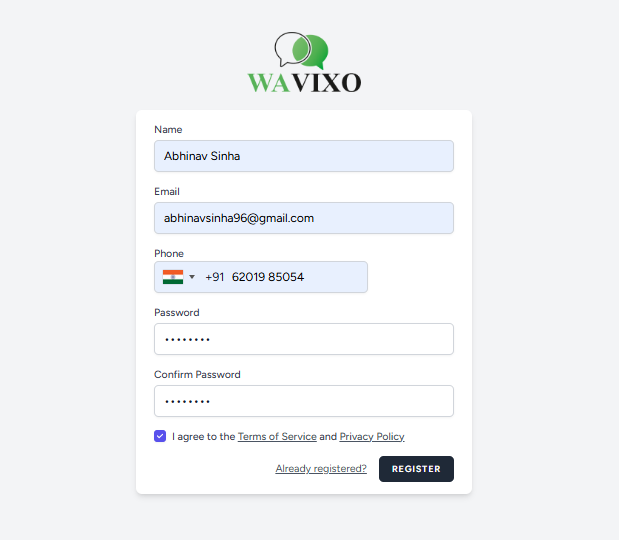
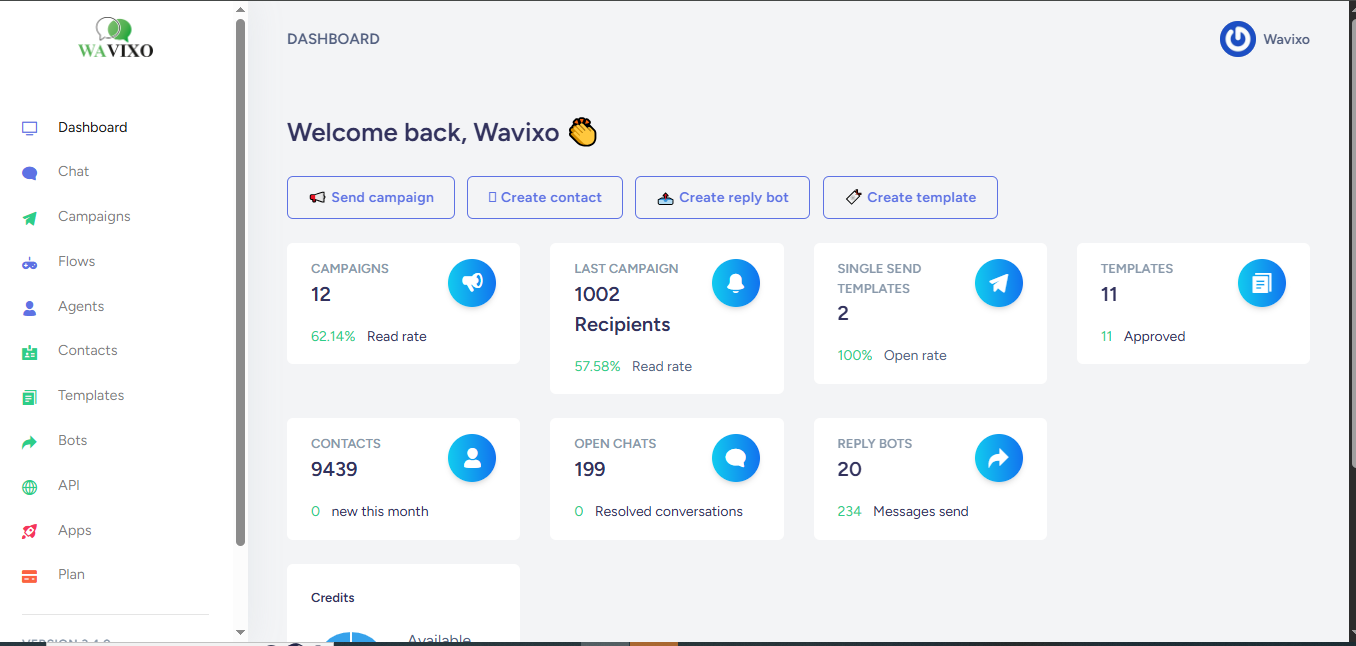
Start by creating an account on the Wavixo app under the Forever Free Plan.

2. Fill in Your Details & Click “Complete Signup”
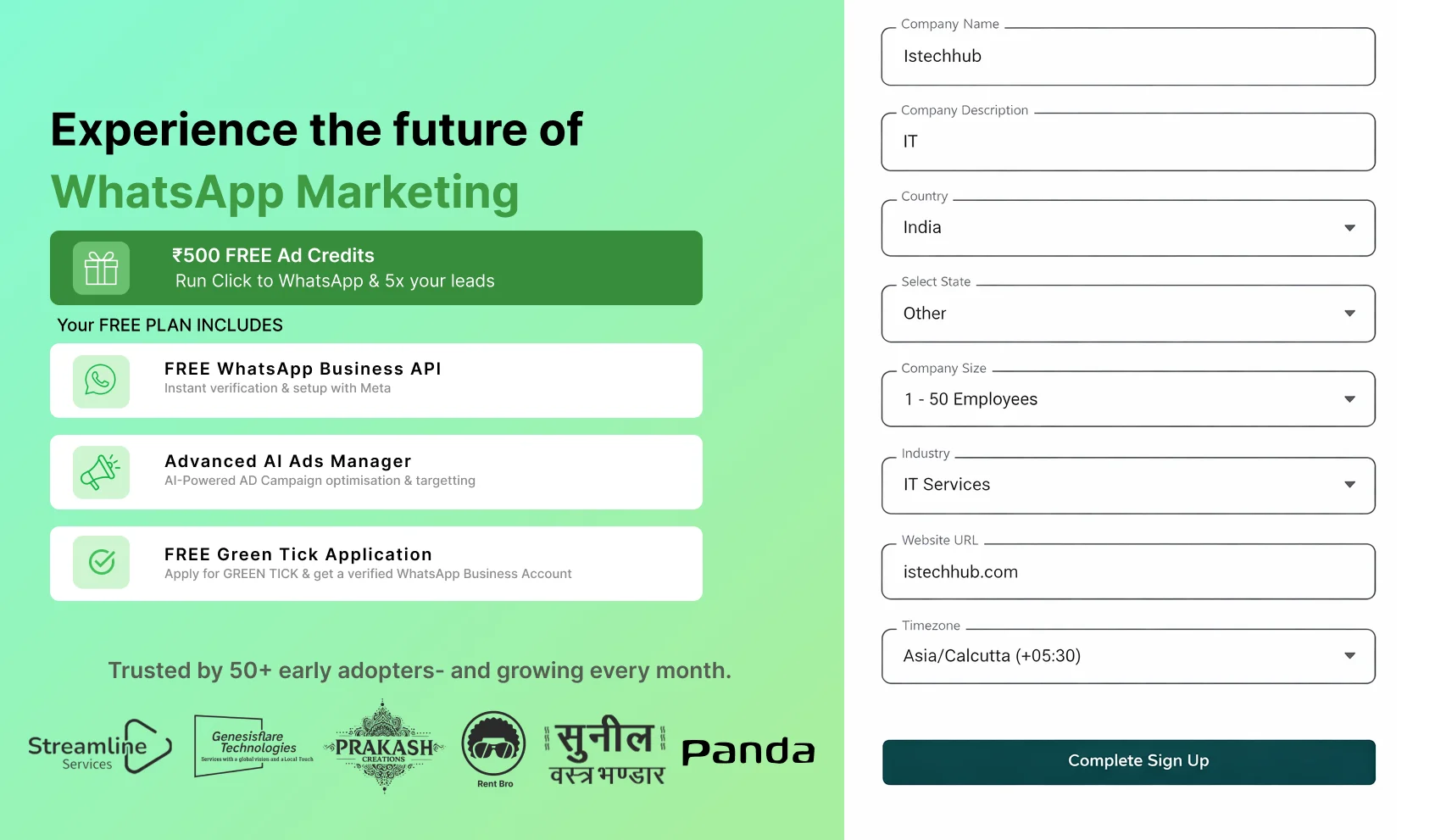
Enter the necessary personal and business information, then click Complete Signup.


3. Your Forever FREE Plan Is Activated
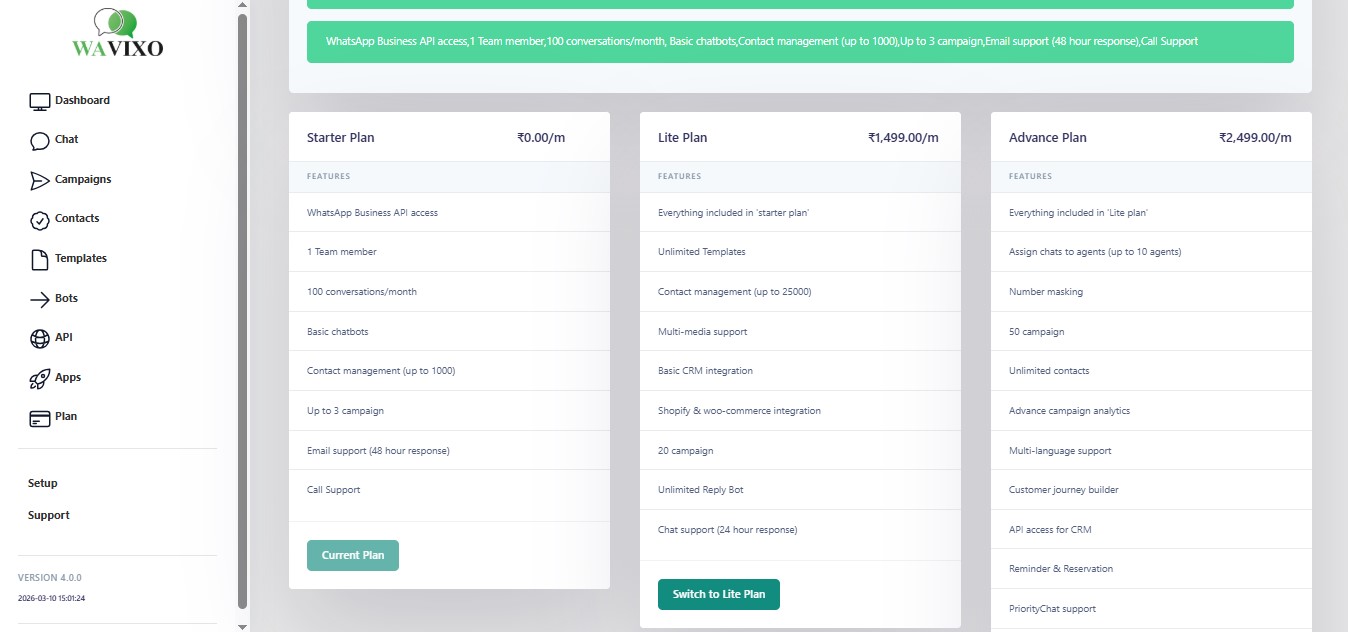
Once active, your Wavixo Free Plan gives you access to:-

FREE WhatsApp Business API access

FREE Verified Blue Tick application

₹500 worth of WhatsApp Ad Credits

Free Click-to-WhatsApp Ads Manager

₹50 free WhatsApp conversation credits

Contact upload & tag/attribute management (10 tags, 5 custom attributes)

Easy WhatsApp template creation

Unlimited service conversations (user-initiated)

A live-chat dashboard for one support agent


4. Select ‘Continue with Facebook’ to Apply for WhatsApp Business API

Press Continue with Facebook to begin the API approval process.
Make sure you have admin access to your Facebook Business Manager.
Note: It’s ideal to verify your Facebook Business Manager during or after the API application to ensure full access..


5. Click ‘Continue’

You’ll be redirected to Meta’s setup window.

Click Continue to proceed with the WhatsApp Business API application.


6. Tap ‘Get Started’

Review the permissions listed (page 6 screenshot shows these)
and click Get Started to connect your Facebook account with Wavixo


7. Choose Your Facebook Business Manager Account

Select the Business Manager account you want to link your WhatsApp Business API with, then click Continue..


8. Create a New WhatsApp Business Profile

Choose Create a WhatsApp Business Account, then click Next.


9. Enter Your Business Profile Details

Fill out:
WhatsApp Business account name: Internal name for your WhatsApp account inside Business Manager

WhatsApp Display Name: The name visible to users (must follow WhatsApp guidelines)

Business Category: Choose the most relevant industry


10. Add an API Phone Number

Select Add a new or existing number and input the phone number you want to link with the WhatsApp Business API. Ensure the number can receive SMS or Voice OTP. Click Send Code to verify.


11. Application Submitted — Under Review

Congratulations! 🎉
Once you see the confirmation screen (page 9), your application has been successfully submitted.
Most reviews are completed within 10 minutes, though Display Name approval may take up to 3–4 hours.
After approval, your WhatsApp Business API status inside the Wavixo Platform will update to LIVE.


Frequently Asked Questions

Q1. Are some businesses restricted from using the WhatsApp Business API?

Yes. WhatsApp does not allow businesses involved in prohibited products, unsafe supplements, illegal items, alcohol, etc. Refer to the official WhatsApp Commerce Policy for full details.


Q2. What if the “Start Verification” button in Facebook Business Manager is inactive?

This usually happens if your Business Information is incomplete.
To fix this:
Your business may appear greyed out while trying to verify

The verification button may not appear

You can resolve this by updating your full business details.
A full troubleshooting guide is linked in the original document.


wavixo
style
layer
wavixo

Make your Productivity
more efficient. From this time.

Get the Demo and unplash your productivity. Feel Free to get the
latest Technology. Have a good time

net