

Meta Tech Provider

Help Center - Articles Detail

How to Initiate a New Conversation Directly from the Contact Page in Wavixo
Instead of hunting through chat interfaces to find a customer, Wavixo lets you start a conversation directly from a contact's profile. This keeps customer details and communication in one place, making follow-ups and support faster to action.
Steps to Start a Conversation
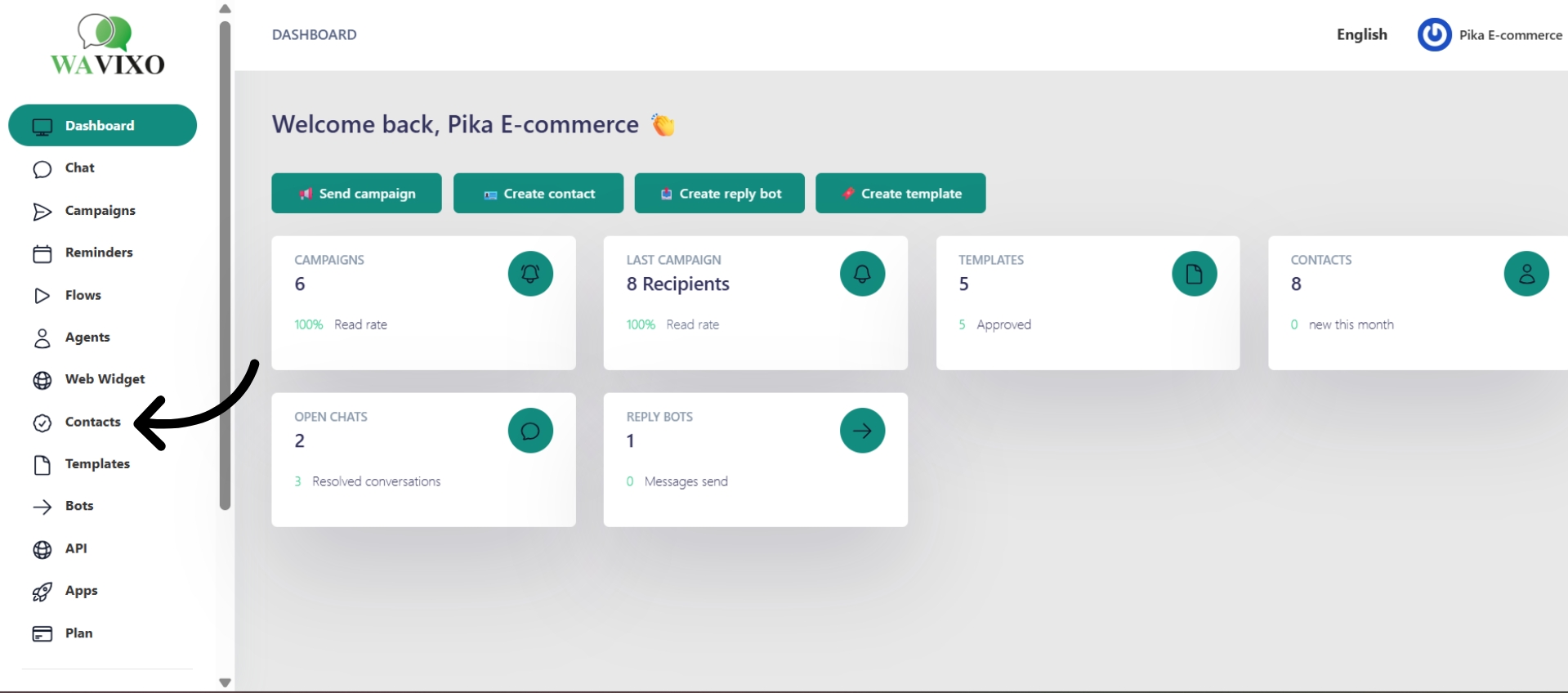
Step 1: Open the Contact List
From your Wavixo dashboard, click Contact in the left navigation bar and select Contact List.
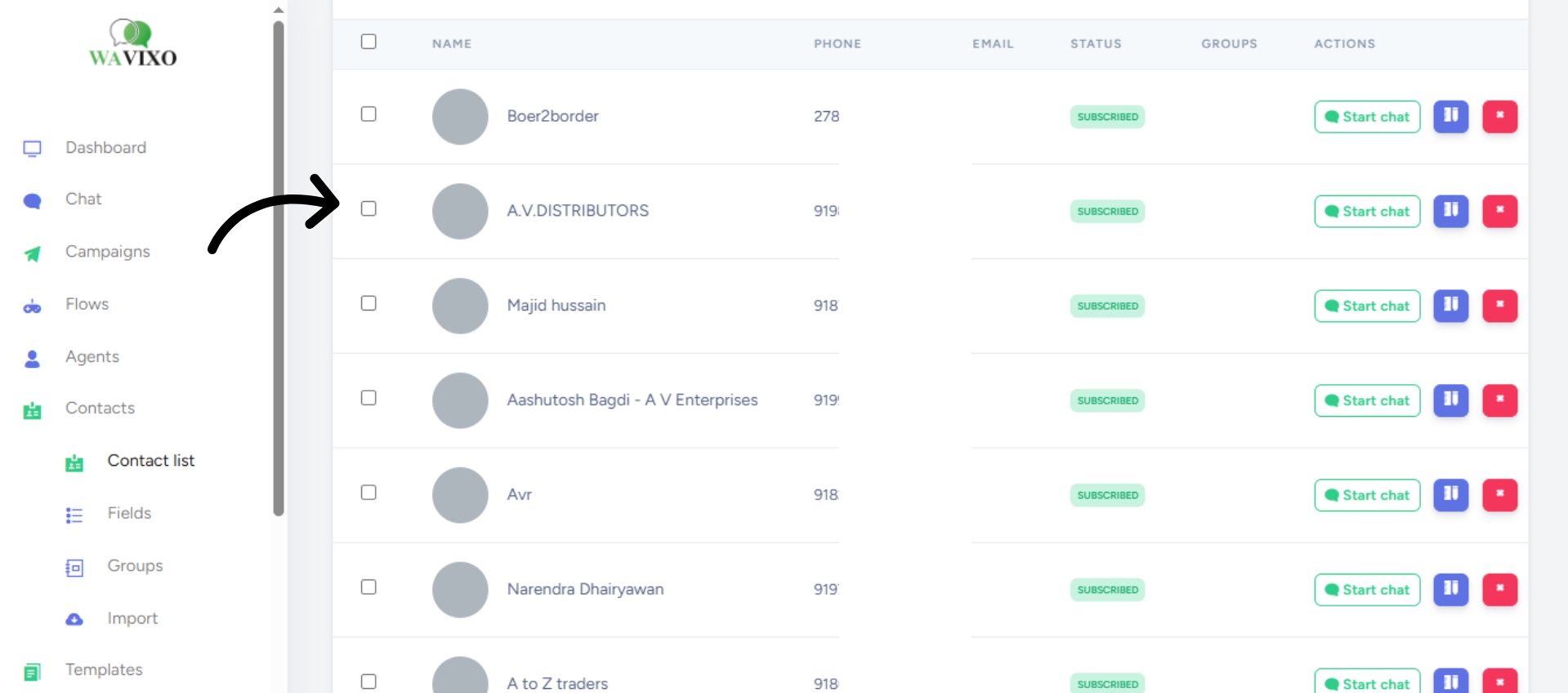
Step 2: Select the Contact
Scroll or search for the contact you want to reach. Click their name to open their profile, where you can view their details and communication history.
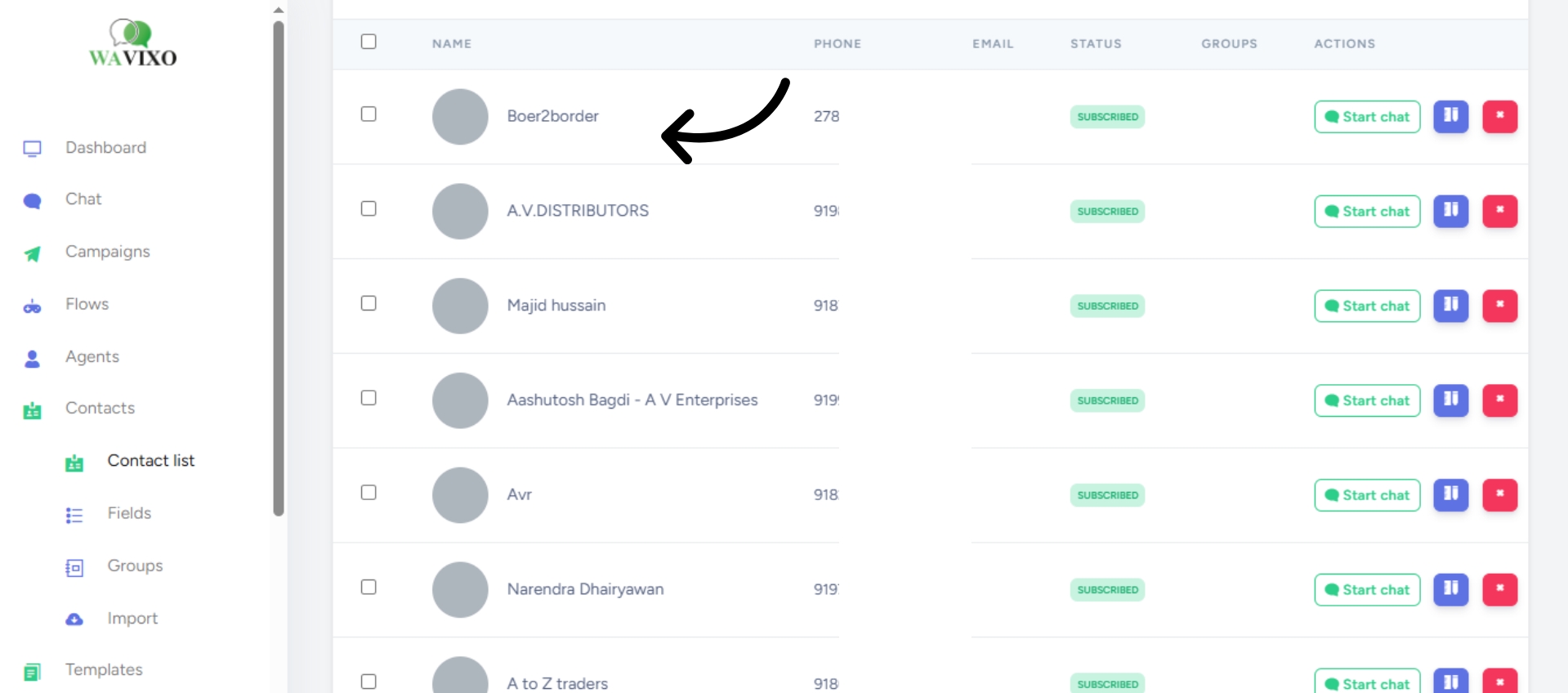
Step 3: Click on the Contact Profile
Once you click the contact, their profile page will open, showing their contact details and full communication history.
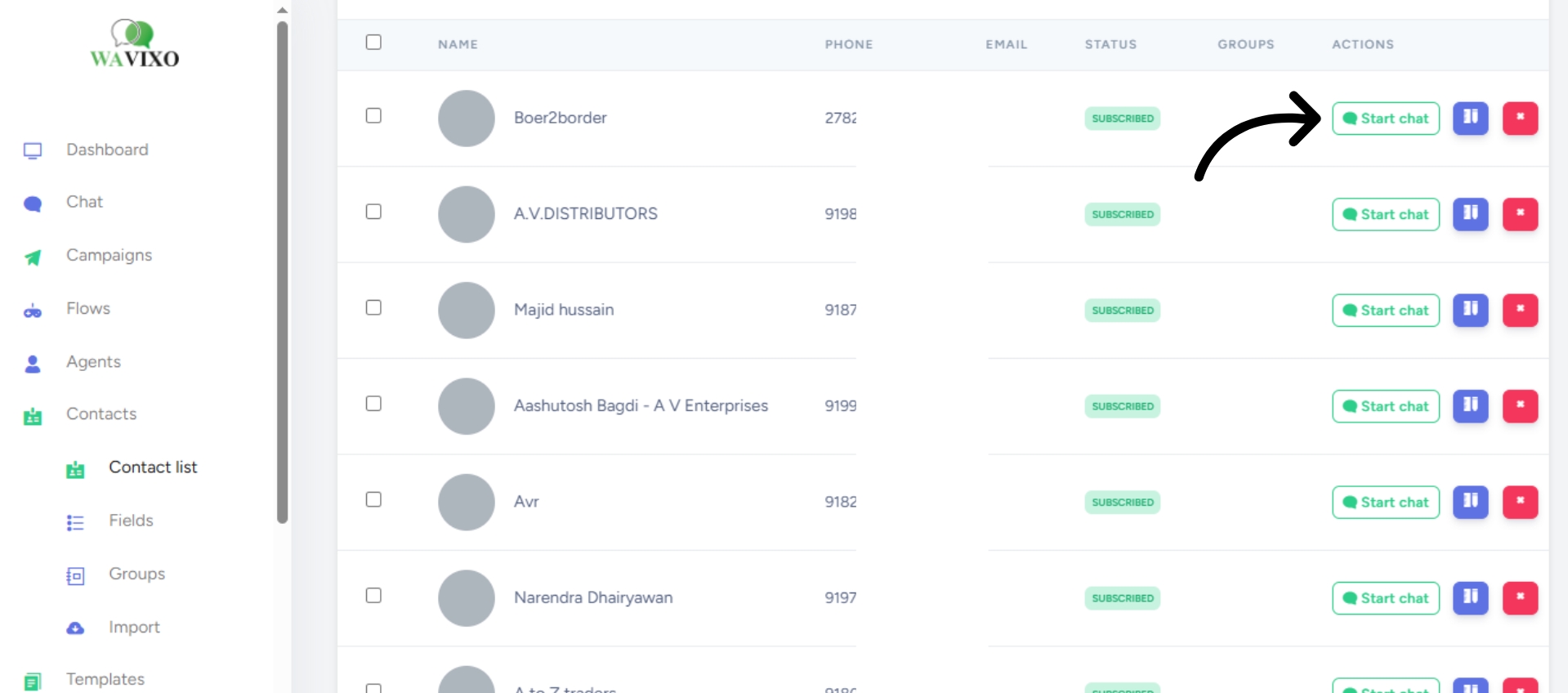
Step 4: Click "Start Chat"
Inside the contact profile, click Start Chat. A chat window will open and you can begin messaging the contact in real time.
The 24-Hour Messaging Window
Once a chat is initiated, a 24-hour messaging window opens during which you can send messages freely. After this window closes, direct messaging is no longer available — to re-engage the contact, you will need to send a campaign message to reopen the conversation.
Make your Productivity
more efficient. From this time.
Get the Demo and unplash your productivity. Feel Free to get the
latest Technology. Have a good time
