Overview
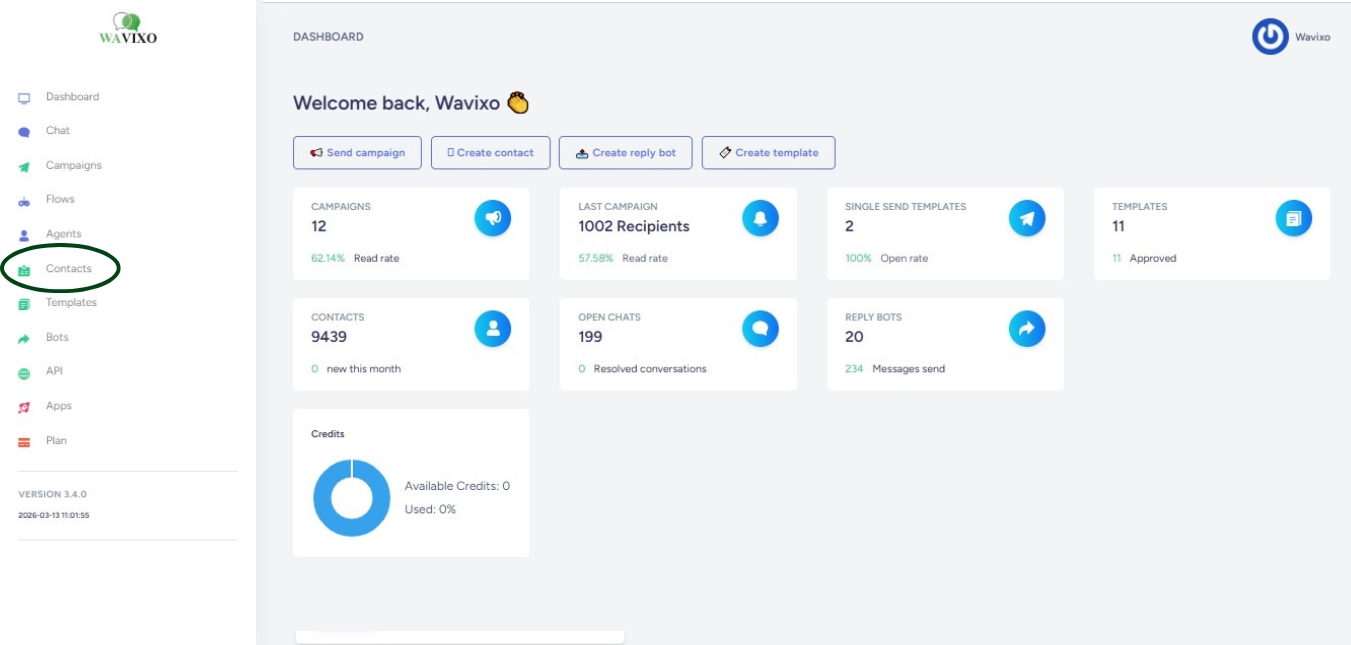
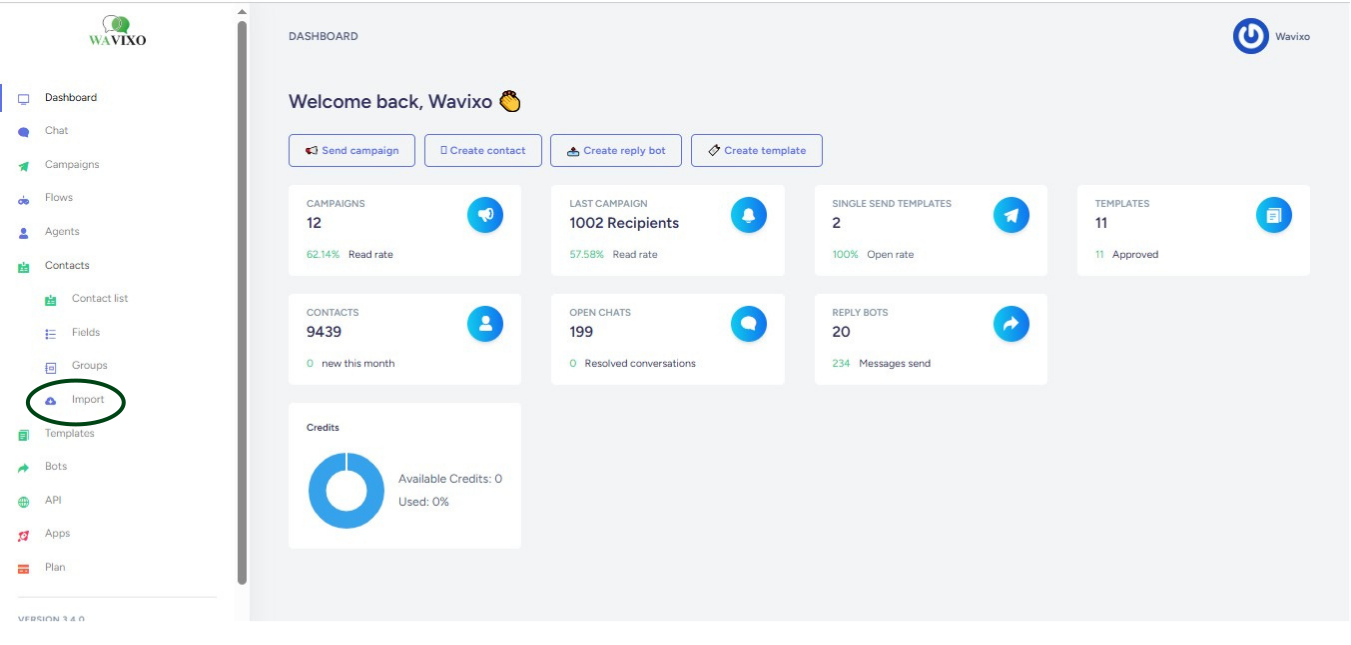
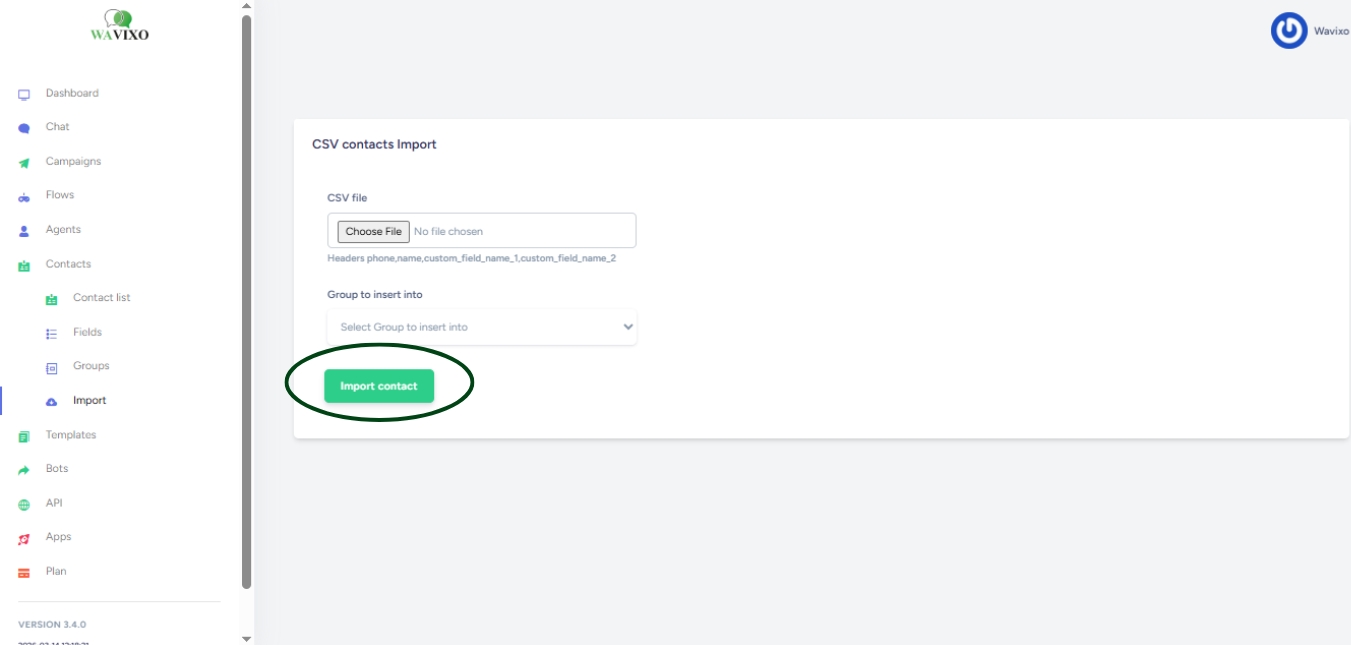
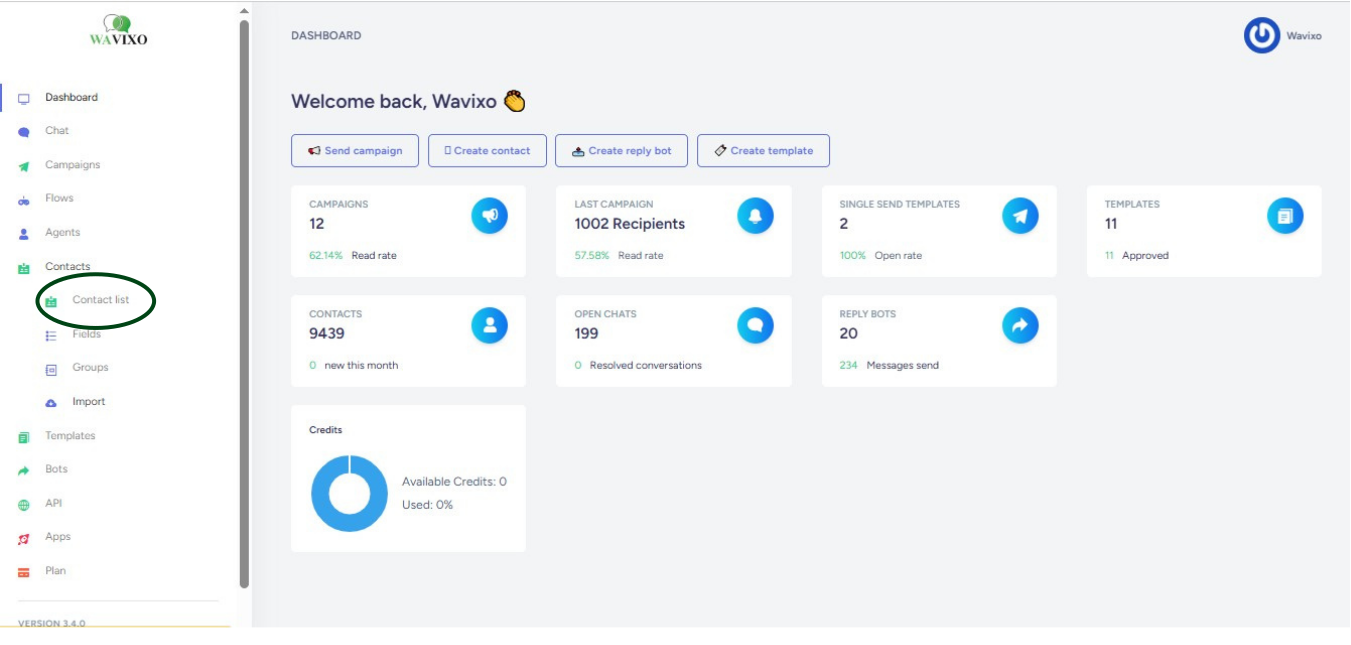
Uploading contacts to Wavixo is a straightforward process that allows you to manage your customer list efficiently. This guide will walk you through the steps to import your contact information into the platform.


Contact Us
Address: B-26, B Block, Sector 2, Noida, Uttar Pradesh 201301
Email: Contact@wavixo.io
Call: +91 9625655385
Meta Tech Provider

Help Center - Articles Detail

Uploading contacts to Wavixo is a straightforward process that allows you to manage your customer list efficiently. This guide will walk you through the steps to import your contact information into the platform.
Working Steps
Get the Demo and unplash your productivity. Feel Free to get the
latest Technology. Have a good time
