What Is WhatsApp Automated Reply and How It Works
Automated reply on WhatsApp is a pre-defined message system that sends instant responses
when a customer sends a message. This can include welcome messages, away messages,
order confirmation, booking details, payment reminders, or frequently asked question replies.
Through the WhatsApp Business API, businesses can create structured automation flows that
respond based on keywords, triggers, or time schedules.
When a customer sends a message, the system checks predefined rules and sends the
relevant response automatically. For example, if someone types “price,” the system can instantly
share product pricing details. If a message is received after business hours, it can send an away
message informing the customer about working hours. This type of automation saves time,
reduces manual errors, and ensures consistent communication across all customers.
Why Choose Wavixo to Set Automated WhatsApp Replies
Choosing the right platform makes a big difference in automation success. Wavixo provides a
simple, user-friendly dashboard that helps businesses create automated replies without coding
knowledge. The platform is designed for startups, small businesses, agencies, and enterprises
that want reliable WhatsApp automation with ease of management.
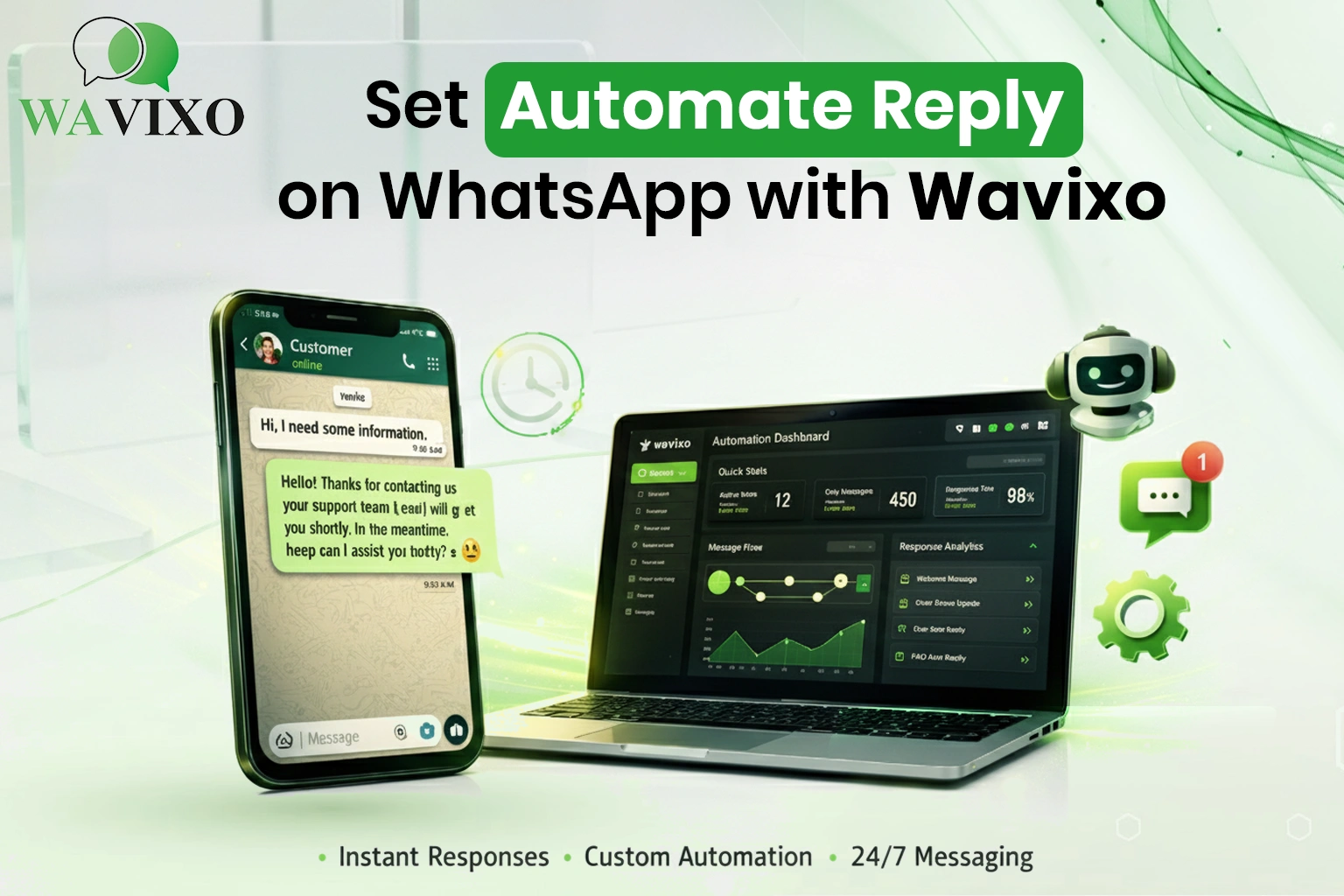
Wavixo allows you to create welcome messages, away messages, quick replies, and complete
chatbot-like flows. You can manage customer conversations, track performance, and ensure all
replies follow approved WhatsApp guidelines. Since it works with official WhatsApp API
integration, your messages remain compliant and secure. This reduces the risk of number
blocking and ensures long-term business continuity. If you want to explore more automation
tools, you can also check their internal resource on WhatsApp automation features at
https://wavixo.io/.
Step-by-Step Guide to Set Automated Reply on WhatsApp with Wavixo
Setting automated replies with Wavixo is straightforward and does not require technical skills.
First, you need to register on the platform and connect your WhatsApp Business API number.
Once connected, you can access the automation dashboard and begin configuring your reply
rules.
Inside the dashboard, you can create different types of messages such as welcome messages
for new customers, instant replies for common queries, and scheduled away messages for
non-working hours. You simply write your message, set trigger conditions like keywords or time
schedules, and activate the automation. The system will then handle incoming messages based
on the rules you created.
You can also personalize messages by adding customer names or dynamic variables. This
makes automated replies feel natural and human rather than robotic. By testing your flow before
going live, you can ensure everything works smoothly. Once activated, your business will start
responding instantly to customer inquiries without manual effort.
Types of Automated Replies You Can Set
Automated replies are not limited to one type of message. Businesses can create multiple
automation flows depending on their needs. For example, eCommerce stores can set order
confirmation replies and delivery updates, service providers can set appointment confirmations,
and educational institutes can send course details automatically.
These automated responses help businesses maintain professional communication while
saving time. Instead of answering the same question repeatedly, the system handles repetitive
tasks efficiently. This improves productivity and allows teams to focus on more important
operations.
Some common types of automated replies include:
- Welcome messages for new chats
- Away messages outside working hours
- FAQ keyword-based replies
- SPayment confirmation notifications
- secure and compliant WhatsApp Business API integration
How Automated Replies Help Different Types of Businesses
Automated WhatsApp replies are useful for almost every industry. Retail businesses can
instantly share product catalogs and offers. Service providers like salons, clinics, or consultants
can confirm appointments automatically. Educational institutions can provide course details and
admission information instantly. Real estate agents can share property details and schedule site
visits automatically.
Even small local businesses benefit significantly because automation reduces dependency on
manual response. Whether you are a startup or an established brand, automation helps create
a professional communication system. With a reliable platform like Wavixo, businesses of any
size can implement structured automation without technical complexity.
Best Practices While Setting Automated WhatsApp Replies
While automation is powerful, it must be implemented correctly. Always keep your automated
messages clear, polite, and short enough to be easily readable. Avoid using overly promotional
language in instant replies, as it may reduce engagement.
It is important to personalize messages whenever possible. Adding the customer’s name or
referencing their query makes the conversation feel more human. Also, provide an option to
connect with a human agent if needed. Automation should assist customers, not frustrate them.
Final Thoughts
Setting automated replies on WhatsApp is no longer optional for businesses that want to stay
competitive. Customers expect quick and accurate responses, and automation helps you deliver
exactly that. By using Wavixo, you can create a structured, compliant, and efficient messaging
system that works 24/7.
Automation improves customer experience, reduces workload, and increases lead conversion. It
allows your business to operate smoothly even during high message volumes or outside
working hours. If you want to build a strong communication system and never miss a customer
inquiry again, setting automated WhatsApp replies with Wavixo is a smart and practical
decision.




Very helpful after reading this blog....